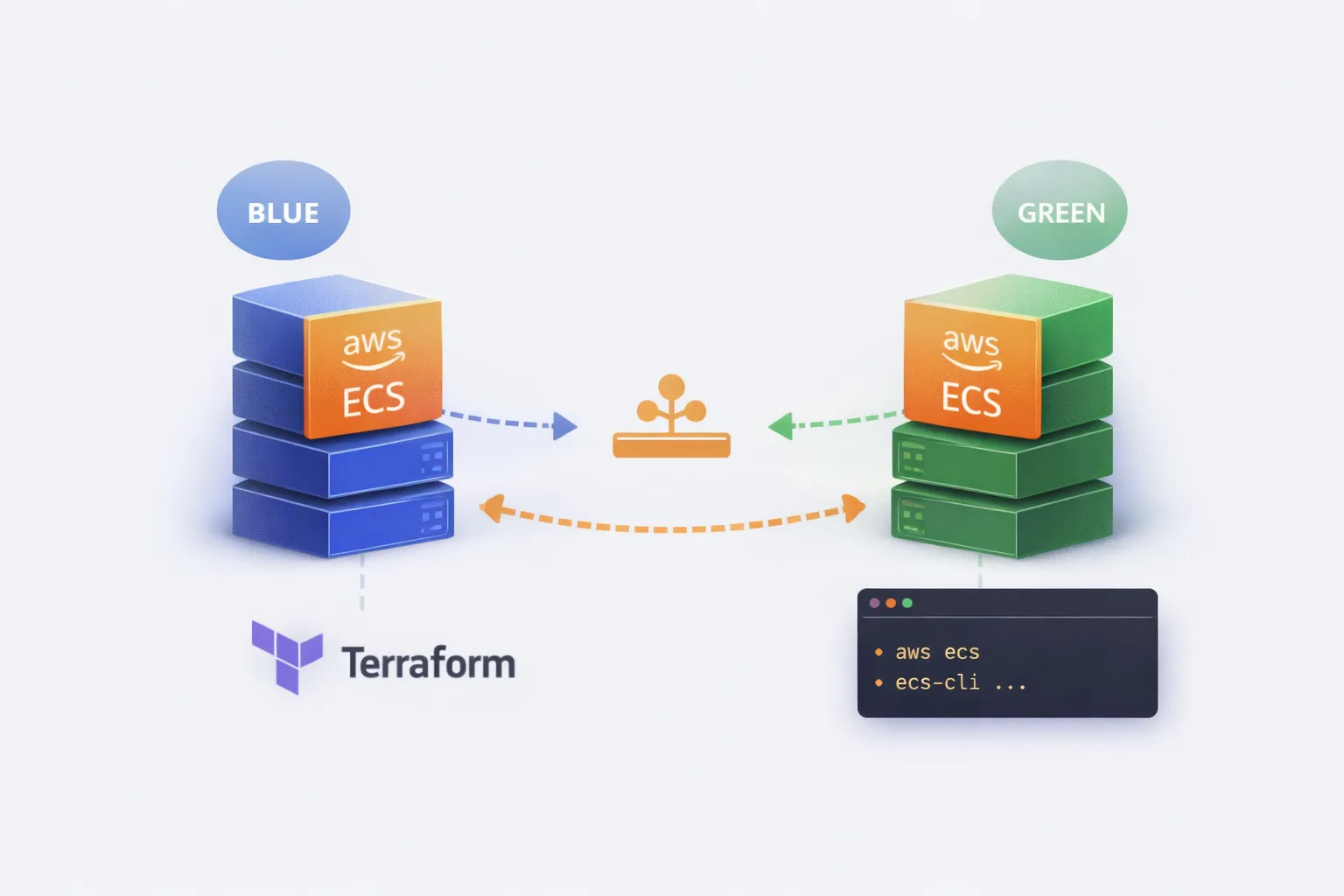
ECS Task Sets: Blue/Green Deployments Without CodeDeploy
ECS has a feature that most engineers never touch: Task Sets. They let you run multiple versions of a service simultaneously with fine-grained traffic control – essentially giving you blue/green or canary deployments without CodeDeploy.
I explored this at a previous company when we wanted more control over deployment rollouts than the standard ECS rolling update provides. CodeDeploy felt heavyweight for what we needed, and we wanted to understand exactly what was happening during a deployment rather than trusting a black box.
Task Sets give you that control. But they come with trade-offs.

What Are Task Sets?
A Task Set is a subset of tasks within an ECS service. Instead of a service having one homogeneous group of tasks all running the same task definition, you can have multiple task sets – each potentially running a different version.
The mental model:
ECS Service
├── Task Set "blue"  (v1.2.3) ──► 80% traffic
└── Task Set "green" (v1.2.4) ──► 20% traffic
Each task set has:
- Its own task definition (version)
- Its own desired count or scale percentage
- Its own network configuration
- A stability status (STEADY_STATE or not)
One task set is designated as the primary. This is the “default” version – the one that remains if you delete others.
Why Use Task Sets?
1. Explicit version control
With rolling deployments, ECS gradually replaces old tasks with new ones. You don’t have two distinct versions running – you have a mix that’s constantly shifting. Task sets let you maintain two complete, stable deployments side by side.
2. Instant rollback
If the green deployment is broken, you delete the task set. Done. No waiting for a rollback deployment to propagate. The blue task set is still running, unchanged.
3. Traffic splitting without a service mesh
Combined with a load balancer and target groups, you can route percentages of traffic to each task set. Canary deployments become possible without Istio or App Mesh.
4. Testing in production (carefully)
You can run a new version at 5% traffic, monitor it, then scale up. Or route specific headers/paths to the new version for internal testing before public release.
The Trade-Offs (Be Honest About These)
1. Complexity overhead
Standard ECS deployments are simple: update the task definition, ECS handles the rest. Task sets require you to manage the lifecycle explicitly – create, scale, promote, delete. More moving parts, more to get wrong.
2. No native CI/CD integration
CodeDeploy has hooks, alarms, automatic rollback. Task sets are manual (or require custom automation). Your pipeline needs to handle the orchestration.
3. Double the running tasks during deployment
Blue/green means both versions run simultaneously. You’re paying for 2x capacity during the transition window. For large services, this isn’t trivial.
4. Load balancer configuration
Traffic splitting requires weighted target groups or ALB rules. This adds infrastructure complexity and another thing to manage/debug.
5. External deployment controller is all-or-nothing
Once you set deployment_controller = EXTERNAL, ECS won’t manage deployments at all. No rolling updates, no circuit breakers. You own it entirely.
Setting It Up
Prerequisites
- ECS cluster (Fargate or EC2)
- VPC with subnets and security groups configured
- A task definition registered
- (Optional) ALB with target groups for traffic splitting
Step 1: Create the Service with External Deployment Controller
The key is --deployment-controller type=EXTERNAL. This tells ECS you’ll manage task sets yourself.
aws ecs create-service \
  --cluster my-cluster \
  --service-name my-service \
  --desired-count 0 \
  --deployment-controller type=EXTERNAL \
  --scheduling-strategy REPLICA \
  --deployment-configuration maximumPercent=200,minimumHealthyPercent=100
Note: desired-count at service level is ignored when using external controller – it’s set per task set.
Step 2: Create the Blue Task Set
aws ecs create-task-set \
  --cluster my-cluster \
  --service my-service \
  --external-id blue \
  --task-definition my-app:42 \
  --launch-type FARGATE \
  --scale unit=PERCENT,value=100 \
  --network-configuration "awsvpcConfiguration={subnets=[subnet-abc123,subnet-def456],securityGroups=[sg-123456],assignPublicIp=ENABLED}"
The --scale unit=PERCENT,value=100 means this task set gets 100% of the service’s compute capacity. The --external-id is your label – use it to track which is blue/green.
Step 3: Set the Primary Task Set
aws ecs update-service-primary-task-set \
  --cluster my-cluster \
  --service my-service \
  --primary-task-set arn:aws:ecs:eu-west-1:123456789:task-set/my-cluster/my-service/ecs-svc/1234567890
Get the task set ARN from the create-task-set response or:
aws ecs describe-task-sets \
  --cluster my-cluster \
  --service my-service
Step 4: Deploy Green (New Version)
aws ecs create-task-set \
  --cluster my-cluster \
  --service my-service \
  --external-id green \
  --task-definition my-app:43 \
  --launch-type FARGATE \
  --scale unit=PERCENT,value=100 \
  --network-configuration "awsvpcConfiguration={subnets=[subnet-abc123,subnet-def456],securityGroups=[sg-123456],assignPublicIp=ENABLED}"
Now you have two task sets running simultaneously. Both at 100% scale means double capacity – adjust based on your needs.
Step 5: Validate and Promote
Once green is healthy and validated:
# Promote green to primary
aws ecs update-service-primary-task-set \
  --cluster my-cluster \
  --service my-service \
  --primary-task-set arn:aws:ecs:eu-west-1:123456789:task-set/my-cluster/my-service/ecs-svc/9876543210

# Delete blue
aws ecs delete-task-set \
  --cluster my-cluster \
  --service my-service \
  --task-set arn:aws:ecs:eu-west-1:123456789:task-set/my-cluster/my-service/ecs-svc/1234567890 \
  --force
The --force flag deletes even if tasks are still running. Without it, you’d need to scale down first.
Rollback
If green is broken:
# Just delete green, blue is still primary and running
aws ecs delete-task-set \
  --cluster my-cluster \
  --service my-service \
  --task-set arn:aws:ecs:eu-west-1:123456789:task-set/my-cluster/my-service/ecs-svc/9876543210 \
  --force
That’s it. Blue continues serving traffic. No deployment, no waiting.
Terraform Configuration
Here’s the equivalent in Terraform:
# Service with external deployment controller
resource "aws_ecs_service" "main" {
  name            = "my-service"
  cluster         = aws_ecs_cluster.main.id

  # Don't set task_definition here - it's managed per task set

  deployment_controller {
    type = "EXTERNAL"
  }

  # These are ignored with EXTERNAL controller but required by the API
  scheduling_strategy = "REPLICA"
}

# Blue task set
resource "aws_ecs_task_set" "blue" {
  service         = aws_ecs_service.main.id
  cluster         = aws_ecs_cluster.main.id
  task_definition = aws_ecs_task_definition.app_v1.arn

  external_id = "blue"

  launch_type = "FARGATE"

  scale {
    unit  = "PERCENT"
    value = 100
  }

  network_configuration {
    subnets          = var.private_subnets
    security_groups  = [aws_security_group.ecs_tasks.id]
    assign_public_ip = false
  }

  # Optional: register with load balancer
  load_balancer {
    target_group_arn = aws_lb_target_group.blue.arn
    container_name   = "app"
    container_port   = 8080
  }

  lifecycle {
    ignore_changes = [scale]  # Scale might be adjusted manually
  }
}

# Green task set (created during deployment)
resource "aws_ecs_task_set" "green" {
  count = var.deploy_green ? 1 : 0

  service         = aws_ecs_service.main.id
  cluster         = aws_ecs_cluster.main.id
  task_definition = aws_ecs_task_definition.app_v2.arn

  external_id = "green"

  launch_type = "FARGATE"

  scale {
    unit  = "PERCENT"
    value = 100
  }

  network_configuration {
    subnets          = var.private_subnets
    security_groups  = [aws_security_group.ecs_tasks.id]
    assign_public_ip = false
  }

  load_balancer {
    target_group_arn = aws_lb_target_group.green.arn
    container_name   = "app"
    container_port   = 8080
  }
}

# Primary task set designation
resource "aws_ecs_cluster_capacity_providers" "main" {
  # ... capacity provider config
}

# Note: aws_ecs_service_primary_task_set resource doesn't exist
# You'll need to use a null_resource with local-exec or handle this in CI/CD
resource "null_resource" "set_primary" {
  depends_on = [aws_ecs_task_set.blue]

  provisioner "local-exec" {
    command = <<-EOT
      aws ecs update-service-primary-task-set \
        --cluster ${aws_ecs_cluster.main.name} \
        --service ${aws_ecs_service.main.name} \
        --primary-task-set ${aws_ecs_task_set.blue.id}
    EOT
  }
}
Traffic Splitting with ALB
For weighted traffic between blue and green:
resource "aws_lb_listener_rule" "weighted" {
  listener_arn = aws_lb_listener.https.arn
  priority     = 100

  action {
    type = "forward"

    forward {
      target_group {
        arn    = aws_lb_target_group.blue.arn
        weight = var.blue_weight  # e.g., 90
      }

      target_group {
        arn    = aws_lb_target_group.green.arn
        weight = var.green_weight  # e.g., 10
      }

      stickiness {
        enabled  = true
        duration = 600
      }
    }
  }

  condition {
    path_pattern {
      values = ["/*"]
    }
  }
}
Adjust blue_weight and green_weight to control traffic split. Start at 90/10, validate, move to 50/50, then 0/100.
Monitoring During Deployment
Key metrics to watch:
# Task set stability
aws ecs describe-task-sets \
  --cluster my-cluster \
  --service my-service \
  --query 'taskSets[*].{Id:externalId,Status:status,Stability:stabilityStatus,Running:runningCount,Pending:pendingCount}'

# Output:
# [
#   {"Id": "blue", "Status": "ACTIVE", "Stability": "STEADY_STATE", "Running": 4, "Pending": 0},
#   {"Id": "green", "Status": "ACTIVE", "Stability": "STABILIZING", "Running": 2, "Pending": 2}
# ]
Wait for green to reach STEADY_STATE before promoting. A task set is steady when:
- Running count matches desired
- No pending tasks
- Health checks passing (if configured)
When to Use Task Sets vs Alternatives
| Scenario | Recommendation |
|---|---|
| Simple rolling updates are fine | Don’t use task sets – unnecessary complexity |
| Need instant rollback | Task sets or CodeDeploy |
| Want traffic splitting/canary | Task sets + ALB, or App Mesh |
| Require deployment hooks/alarms | CodeDeploy (it’s built for this) |
| Full control, custom orchestration | Task sets |
| GitOps/declarative deployments | Task sets with careful state management |
Task sets make sense when you need the control and are willing to build the automation. If CodeDeploy does what you need, use it – it’s less to maintain.
Gotchas
1. Task set ARNs are not predictable
You can’t construct them ahead of time. Always capture the ARN from the create response or describe call.
2. Deleting the primary task set fails
You must promote another task set to primary first, or delete the entire service.
3. Scale percentages are relative to service compute
scale=100% on two task sets means 200% total compute. Plan your capacity accordingly.
4. No built-in health gate
Unlike CodeDeploy, task sets don’t automatically roll back on health check failures. You need external monitoring and automation.
5. Terraform state can drift
If you modify task sets via CLI, Terraform won’t know. Consider managing deployments outside Terraform or use ignore_changes liberally.
Summary
ECS Task Sets give you low-level control over blue/green deployments without CodeDeploy’s abstractions. You get explicit version management, instant rollback, and traffic splitting capabilities – but you also take on the orchestration burden.
Use them when you need that control. Stick with rolling deployments or CodeDeploy when you don’t.
Using task sets in production or found edge cases I missed? Let me know on LinkedIn.