
TL;DR
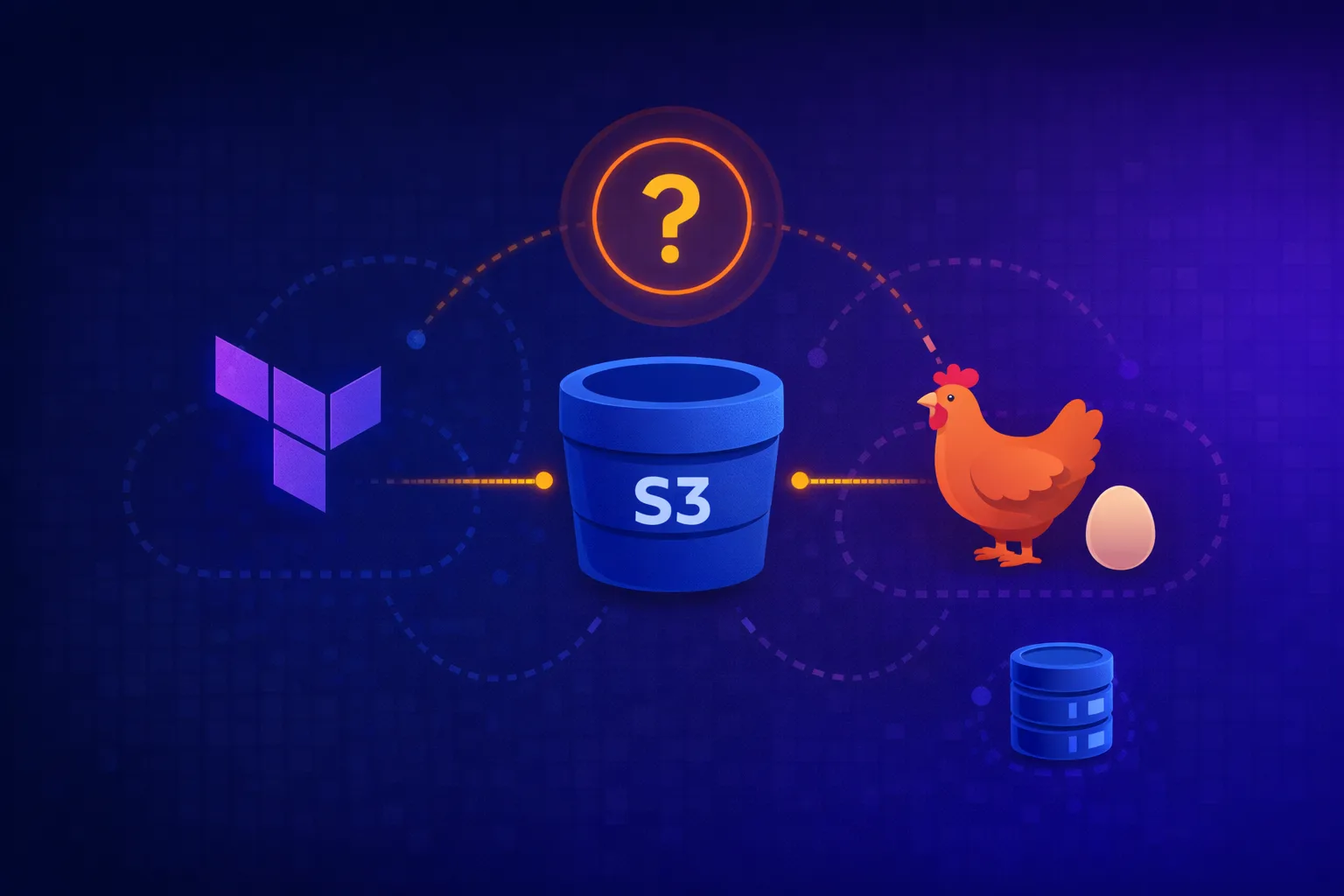
- Terraform can’t create the S3 bucket and DynamoDB table that store its own state – classic chicken-and-egg
- Three bootstrap options: AWS CLI (recommended), Terraform with local backend, or AWS Console
- Once bootstrapped, migrate to remote backend with
terraform init -migrate-state - This pattern (bootstrapping) appears everywhere in software – it’s the “critical mass” problem from physics
- Always version your bootstrap scripts; they’re the one thing you can’t recreate from state
The Problem
You’re setting up Terraform for a new AWS account. Best practice says:
- Store state in S3 with versioning enabled
- Use DynamoDB for state locking to prevent concurrent modifications
- Enable encryption at rest
So you write this:
# backend.tf
terraform {
  backend "s3" {
    bucket         = "mycompany-terraform-state"
    key            = "infrastructure/terraform.tfstate"
    region         = "eu-west-1"
    dynamodb_table = "terraform-locks"
    encrypt        = true
  }
}
Then you run terraform init and get:
Error: Failed to get existing workspaces: S3 bucket does not exist.

The referenced S3 bucket must have been previously created.
Right. You can’t use Terraform to create the bucket that Terraform needs to exist before it can run.
This is the bootstrap problem. And it’s not a bug – it’s an unavoidable property of self-referential systems.
Why This Happens (The Physics Analogy)
In nuclear physics, there’s a concept called critical mass – the minimum amount of fissile material needed to sustain a chain reaction. Below that threshold, the reaction fizzles out. You can’t get to critical mass using the chain reaction; you need an external source to assemble the mass first.
Software has the same pattern:
- Compilers: The first C compiler couldn’t be written in C – it was written in assembly. Once you have one C compiler, you can compile future versions of itself
- Container registries: You can’t pull the container registry image from a registry that doesn’t exist yet
- Git servers: You can’t clone the GitLab repo from a GitLab that isn’t running
- Terraform state: You can’t terraform the bucket that stores terraform state
The solution is always the same: bootstrap from outside the system, then let the system become self-sustaining.
The Three Bootstrap Options
Option 1: AWS CLI (Recommended)
The cleanest approach. Create the resources with CLI commands, then point Terraform at them.
#!/usr/bin/env bash
# bootstrap-terraform-backend.sh
# Run this ONCE per AWS account to create Terraform state infrastructure

set -euo pipefail

AWS_REGION="${AWS_REGION:-eu-west-1}"
STATE_BUCKET="mycompany-terraform-state-$(aws sts get-caller-identity --query Account --output text)"
LOCK_TABLE="terraform-locks"

echo "Creating S3 bucket: $STATE_BUCKET"
aws s3api create-bucket \
  --bucket "$STATE_BUCKET" \
  --region "$AWS_REGION" \
  --create-bucket-configuration LocationConstraint="$AWS_REGION"

# Enable versioning (critical for state recovery)
aws s3api put-bucket-versioning \
  --bucket "$STATE_BUCKET" \
  --versioning-configuration Status=Enabled

# Enable server-side encryption by default
aws s3api put-bucket-encryption \
  --bucket "$STATE_BUCKET" \
  --server-side-encryption-configuration '{
    "Rules": [{
      "ApplyServerSideEncryptionByDefault": {
        "SSEAlgorithm": "aws:kms"
      },
      "BucketKeyEnabled": true
    }]
  }'

# Block all public access
aws s3api put-public-access-block \
  --bucket "$STATE_BUCKET" \
  --public-access-block-configuration \
    "BlockPublicAcls=true,IgnorePublicAcls=true,BlockPublicPolicy=true,RestrictPublicBuckets=true"

echo "Creating DynamoDB table: $LOCK_TABLE"
aws dynamodb create-table \
  --table-name "$LOCK_TABLE" \
  --attribute-definitions AttributeName=LockID,AttributeType=S \
  --key-schema AttributeName=LockID,KeyType=HASH \
  --billing-mode PAY_PER_REQUEST \
  --region "$AWS_REGION"

# Wait for table to be active
aws dynamodb wait table-exists --table-name "$LOCK_TABLE" --region "$AWS_REGION"

echo "Bootstrap complete."
echo ""
echo "Add this to your Terraform configuration:"
echo ""
cat << EOF
terraform {
  backend "s3" {
    bucket         = "$STATE_BUCKET"
    key            = "infrastructure/terraform.tfstate"
    region         = "$AWS_REGION"
    dynamodb_table = "$LOCK_TABLE"
    encrypt        = true
  }
}
EOF
Why this approach:
- Explicit and auditable – the script is the documentation
- Idempotent-ish (you’ll get errors if resources exist, but nothing breaks)
- No Terraform state to manage for the bootstrap itself
- Easy to version control and review
Gotcha: The script uses $(aws sts get-caller-identity --query Account --output text) to include the account ID in the bucket name. S3 bucket names are globally unique, so terraform-state is almost certainly taken. Always namespace with account ID or company name.
Option 2: Terraform with Local Backend
Use Terraform itself, but start with a local backend, then migrate.
Step 1: Create bootstrap configuration
# bootstrap/main.tf
# This module creates the S3 bucket and DynamoDB table for Terraform state
# Run with local backend first, then migrate state to S3

terraform {
  required_version = ">= 1.5.0"

  required_providers {
    aws = {
      source  = "hashicorp/aws"
      version = "~> 5.0"
    }
  }

  # Start with local backend
  # After first apply, uncomment the s3 backend and run terraform init -migrate-state
  # backend "s3" {
  #   bucket         = "mycompany-terraform-state-123456789012"
  #   key            = "bootstrap/terraform.tfstate"
  #   region         = "eu-west-1"
  #   dynamodb_table = "terraform-locks"
  #   encrypt        = true
  # }
}

provider "aws" {
  region = var.aws_region
}

data "aws_caller_identity" "current" {}

locals {
  account_id   = data.aws_caller_identity.current.account_id
  bucket_name  = "${var.project_name}-terraform-state-${local.account_id}"
}

# S3 bucket for state storage
resource "aws_s3_bucket" "terraform_state" {
  bucket = local.bucket_name

  # Prevent accidental deletion of this bucket
  lifecycle {
    prevent_destroy = true
  }

  tags = {
    Name        = "Terraform State"
    ManagedBy   = "bootstrap"
    Environment = "shared"
  }
}

resource "aws_s3_bucket_versioning" "terraform_state" {
  bucket = aws_s3_bucket.terraform_state.id

  versioning_configuration {
    status = "Enabled"
  }
}

resource "aws_s3_bucket_server_side_encryption_configuration" "terraform_state" {
  bucket = aws_s3_bucket.terraform_state.id

  rule {
    apply_server_side_encryption_by_default {
      sse_algorithm     = "aws:kms"
      kms_master_key_id = aws_kms_key.terraform_state.arn
    }
    bucket_key_enabled = true
  }
}

resource "aws_s3_bucket_public_access_block" "terraform_state" {
  bucket = aws_s3_bucket.terraform_state.id

  block_public_acls       = true
  block_public_policy     = true
  ignore_public_acls      = true
  restrict_public_buckets = true
}

# KMS key for encryption (optional but recommended)
resource "aws_kms_key" "terraform_state" {
  description             = "KMS key for Terraform state encryption"
  deletion_window_in_days = 30
  enable_key_rotation     = true

  tags = {
    Name      = "terraform-state-key"
    ManagedBy = "bootstrap"
  }
}

resource "aws_kms_alias" "terraform_state" {
  name          = "alias/terraform-state"
  target_key_id = aws_kms_key.terraform_state.key_id
}

# DynamoDB table for state locking
resource "aws_dynamodb_table" "terraform_locks" {
  name         = var.lock_table_name
  billing_mode = "PAY_PER_REQUEST"
  hash_key     = "LockID"

  attribute {
    name = "LockID"
    type = "S"
  }

  # Enable point-in-time recovery for the lock table
  point_in_time_recovery {
    enabled = true
  }

  tags = {
    Name      = "Terraform State Locks"
    ManagedBy = "bootstrap"
  }
}

# Outputs for use in other configurations
output "state_bucket_name" {
  description = "Name of the S3 bucket for Terraform state"
  value       = aws_s3_bucket.terraform_state.id
}

output "state_bucket_arn" {
  description = "ARN of the S3 bucket for Terraform state"
  value       = aws_s3_bucket.terraform_state.arn
}

output "lock_table_name" {
  description = "Name of the DynamoDB table for state locking"
  value       = aws_dynamodb_table.terraform_locks.name
}

output "kms_key_arn" {
  description = "ARN of the KMS key for state encryption"
  value       = aws_kms_key.terraform_state.arn
}

output "backend_config" {
  description = "Backend configuration block to copy into other Terraform configs"
  value       = <<-EOT
    terraform {
      backend "s3" {
        bucket         = "${aws_s3_bucket.terraform_state.id}"
        key            = "CHANGE_ME/terraform.tfstate"
        region         = "${var.aws_region}"
        dynamodb_table = "${aws_dynamodb_table.terraform_locks.name}"
        encrypt        = true
        kms_key_id     = "${aws_kms_key.terraform_state.arn}"
      }
    }
  EOT
}
# bootstrap/variables.tf
variable "aws_region" {
description = "AWS region for state storage"
type = string
default = "eu-west-1"
}
variable "project_name" {
description = "Project name prefix for resource naming"
type = string
default = "mycompany"
}
variable "lock_table_name" {
description = "Name of the DynamoDB table for state locking"
type = string
default = "terraform-locks"
}Step 2: Apply with local backend
cd bootstrap
terraform init
terraform apply
This creates the S3 bucket and DynamoDB table. The state is stored locally in terraform.tfstate.
Step 3: Migrate state to S3
Uncomment the S3 backend block in main.tf, then:
terraform init -migrate-stateTerraform will prompt:
Do you want to copy existing state to the new backend?
  Pre-existing state was found while migrating the previous "local" backend to the
  newly configured "s3" backend. No existing state was found in the newly
  configured "s3" backend. Do you want to copy this state to the new "s3"
  backend? Enter "yes" to copy and "no" to start with an empty state.

  Enter a value: yes
Type yes. Your bootstrap state is now stored in S3, managed by the infrastructure it created.
Why this approach:
- Infrastructure as Code all the way down
- Terraform manages the state backend, so you get drift detection
- The
prevent_destroylifecycle rule protects against accidental deletion
Gotcha: You now have a circular dependency. If someone deletes the S3 bucket, you can’t run terraform destroy because Terraform can’t access its state. This is why the CLI approach is sometimes preferred – you can always recreate from the script.
Option 3: AWS Console (Quick and Dirty)
Click through the AWS Console to create:
- S3 bucket: Enable versioning, enable default encryption (SSE-S3 or SSE-KMS), block all public access
- DynamoDB table: Partition key
LockID(String), on-demand capacity
When this is acceptable:
- Personal projects or experiments
- You need something running in 5 minutes
- You’re going to tear it down soon anyway
Why this is usually wrong:
- No audit trail
- No reproducibility
- “Just this once” becomes “how was this created again?”
- You will forget the exact settings when you need to recreate it
If you do use the console, at least document what you created in a README.
The Migration Dance
If you have existing Terraform configurations using local state, here’s the migration process:
# 1. Ensure your backend configuration is in place
cat backend.tf
# terraform {
#   backend "s3" { ... }
# }

# 2. Initialize with migration flag
terraform init -migrate-state

# 3. Verify state was migrated
terraform state list

# 4. Delete local state file (it's now in S3)
rm terraform.tfstate terraform.tfstate.backup
If you’re migrating between two remote backends (e.g., different S3 buckets):
# Pull state from old backend
terraform state pull > terraform.tfstate.backup

# Update backend configuration to new bucket
# Edit backend.tf

# Reinitialize (Terraform detects backend change)
terraform init -migrate-state

# Or, if that fails, use reconfigure and push
terraform init -reconfigure
terraform state push terraform.tfstate.backup
State Locking: Why DynamoDB Matters
The DynamoDB table prevents concurrent state modifications. Without it:
# Terminal 1
terraform apply  # Reads state, starts planning

# Terminal 2 (same time)
terraform apply  # Also reads state, also starts planning

# Both write back different states
# 💥 State corruption
With locking:
# Terminal 1
terraform apply  # Acquires lock on LockID, proceeds

# Terminal 2 (same time)
terraform apply
# Error: Error acquiring the state lock
# Lock Info:
#   ID:        a1b2c3d4-e5f6-7890-abcd-ef1234567890
#   Path:      mycompany-terraform-state/infrastructure/terraform.tfstate
#   Operation: OperationTypeApply
#   Who:       user@hostname
#   Created:   2026-01-20 10:30:00.000000000 +0000 UTC
The lock is stored in DynamoDB with a unique LockID (the state file path). Terraform automatically releases the lock when the operation completes.
Force unlock (use with extreme caution):
# Only if you're CERTAIN no other operation is running
terraform force-unlock a1b2c3d4-e5f6-7890-abcd-ef1234567890
Production Hardening
1. Bucket Policy for Cross-Account Access
If multiple AWS accounts need to access the state bucket:
resource "aws_s3_bucket_policy" "terraform_state" {
  bucket = aws_s3_bucket.terraform_state.id

  policy = jsonencode({
    Version = "2012-10-17"
    Statement = [
      {
        Sid       = "AllowCrossAccountAccess"
        Effect    = "Allow"
        Principal = {
          AWS = [
            "arn:aws:iam::111111111111:root",  # Dev account
            "arn:aws:iam::222222222222:root",  # Staging account
            "arn:aws:iam::333333333333:root",  # Prod account
          ]
        }
        Action = [
          "s3:GetObject",
          "s3:PutObject",
          "s3:DeleteObject",
          "s3:ListBucket",
        ]
        Resource = [
          aws_s3_bucket.terraform_state.arn,
          "${aws_s3_bucket.terraform_state.arn}/*",
        ]
      }
    ]
  })
}
2. S3 Bucket Replication
For disaster recovery, replicate state to another region:
resource "aws_s3_bucket_replication_configuration" "terraform_state" {
  bucket = aws_s3_bucket.terraform_state.id
  role   = aws_iam_role.replication.arn

  rule {
    id     = "replicate-state"
    status = "Enabled"

    destination {
      bucket        = aws_s3_bucket.terraform_state_replica.arn
      storage_class = "STANDARD"
    }
  }
}
3. Lifecycle Rules for Cost Management
State files accumulate versions. Clean up old ones:
resource "aws_s3_bucket_lifecycle_configuration" "terraform_state" {
  bucket = aws_s3_bucket.terraform_state.id

  rule {
    id     = "expire-old-versions"
    status = "Enabled"

    noncurrent_version_expiration {
      noncurrent_days = 90  # Keep 90 days of history
    }

    noncurrent_version_transition {
      noncurrent_days = 30
      storage_class   = "STANDARD_IA"  # Move to cheaper storage after 30 days
    }
  }
}
Gotchas and Pitfalls
1. The “Bucket Already Exists” Error
Error: creating Amazon S3 Bucket: BucketAlreadyExistsS3 bucket names are globally unique across all AWS accounts. Use account ID or a UUID in the name.
2. DynamoDB Capacity
If you use provisioned capacity instead of on-demand, you might hit:
Error: ConditionalCheckFailedException: The conditional request failedThis happens during high concurrency. Use PAY_PER_REQUEST (on-demand) to avoid throttling.
3. State File Too Large
If your state file grows beyond 5GB (S3’s single PUT limit), you’ll get upload failures. This usually means:
- You’re managing too many resources in one state file
- Split into multiple state files with workspaces or separate configurations
4. Deleting the Bootstrap Resources
If you ever need to destroy everything:
- Migrate state back to local:
terraform init -migrate-state(choose local backend) - Remove
prevent_destroylifecycle rules - Empty the S3 bucket:
aws s3 rm s3://bucket-name --recursive - Delete versions:
aws s3api delete-objects --bucket bucket-name --delete "$(aws s3api list-object-versions --bucket bucket-name --query '{Objects: Versions[].{Key:Key,VersionId:VersionId}}')" - Run
terraform destroy
The Bootstrap Pattern in the Wild
This chicken-and-egg pattern appears everywhere:
| System | Bootstrap Problem | Solution |
|---|---|---|
| Terraform | Can’t create state bucket with Terraform | CLI/Console first |
| Kubernetes | Can’t deploy cluster with kubectl | eksctl/Terraform/Console |
| Docker Registry | Can’t pull registry image from registry | Load from tarball |
| Git Server | Can’t clone GitLab from GitLab | Docker image / binary install |
| PKI/Certificates | Can’t fetch CA cert over HTTPS | Ship root CA out-of-band |
| DNS | Can’t resolve DNS server by name | Hardcode IP addresses |
The pattern is always: external bootstrap → self-sustaining system.
In physics, this is the difference between a spark and a fire. The spark (bootstrap) must come from outside the system. Once the fire is burning (critical mass), it sustains itself.
Conclusion
The Terraform state bootstrap problem isn’t a bug – it’s an inherent property of self-referential systems. You can’t use the system to create the system.
My recommendation:
- Use the AWS CLI script for production – it’s explicit, auditable, and doesn’t create circular dependencies
- Version control your bootstrap script – it’s the one thing you can’t recreate from state
- Run the script once per AWS account, not once per project
- Document the bootstrap in your runbooks – when you’re setting up a new account at 2am, you’ll thank yourself
The bootstrap is foundation work. Do it right once, and you never think about it again.
References
- Terraform S3 Backend Documentation
- AWS S3 Bucket Naming Rules
- DynamoDB On-Demand Capacity
- Terraform State Locking
- S3 Cross-Region Replication
Have a bootstrap horror story? Find me on LinkedIn or drop a comment below.